Shelf Life
Shelf Life is an archive for the things you own. Every object gets a number, a clean cut-out photo and a short record of what it is, where it lives and how much you actually use it.
It started as “Object Inventory,” which sounded like a spreadsheet. I wanted it to feel closer to a museum collection: quiet, ordered, and a little bit precious about ordinary things.
01
A catalog, not a list
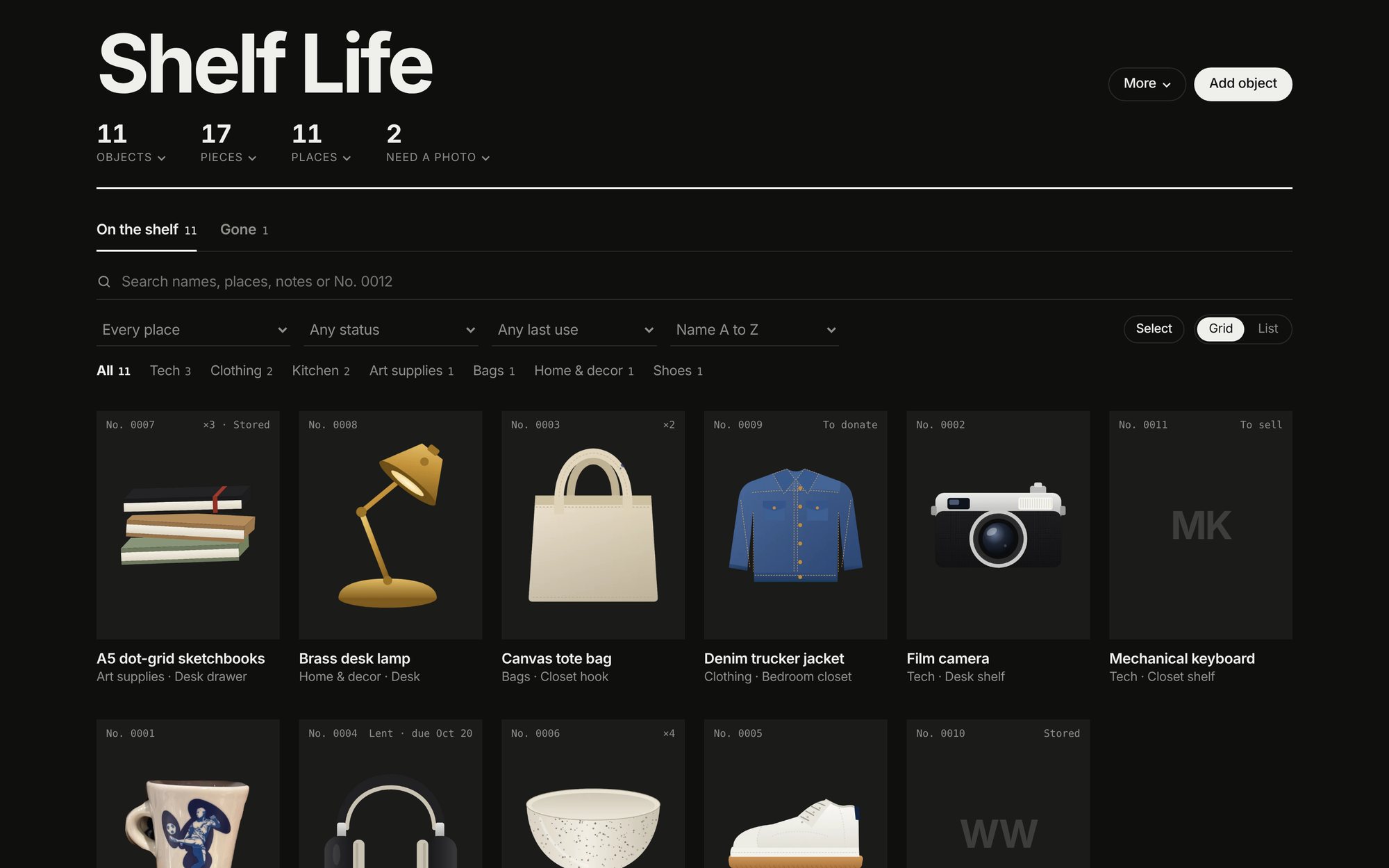
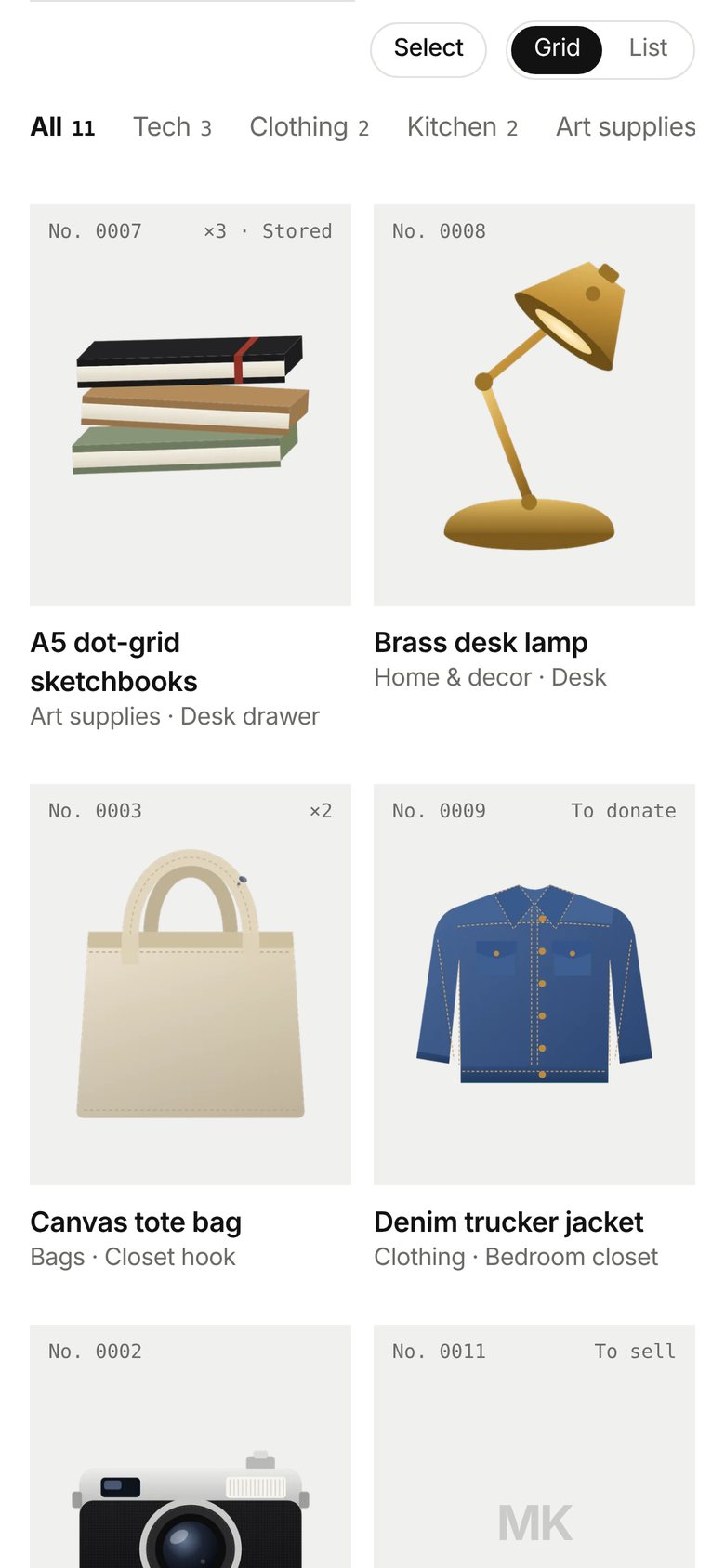
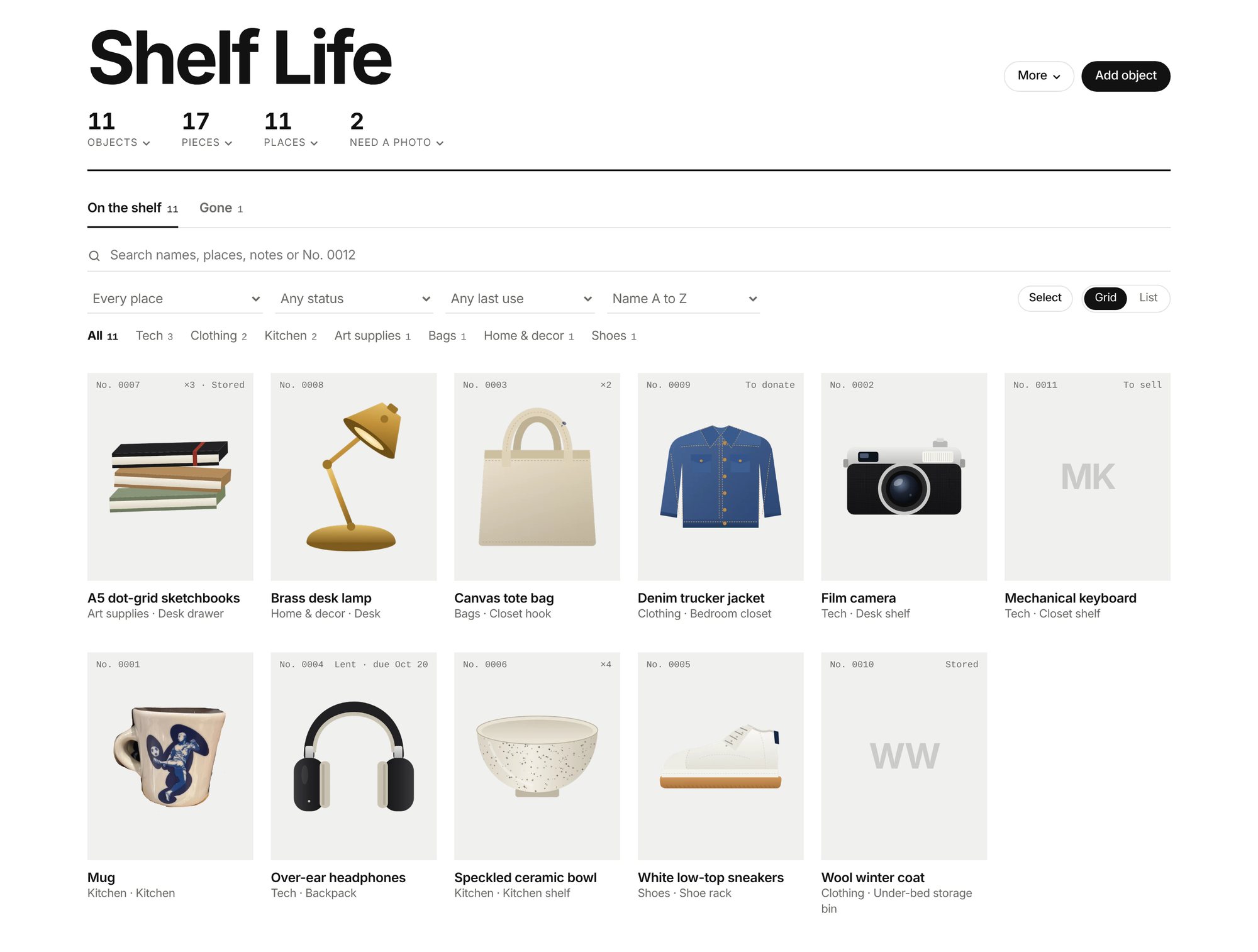
Most inventory apps treat your stuff like stock in a warehouse. I borrowed from archives instead. Each object gets an accession number, No. 0001 onward, and sits alone on a plain tile so the grid reads like a collection.
The interface stays monochrome on purpose: heavy Helvetica, a hairline grid and mono numbers. The only color on the page comes from the objects themselves.
02
Lift it off the background
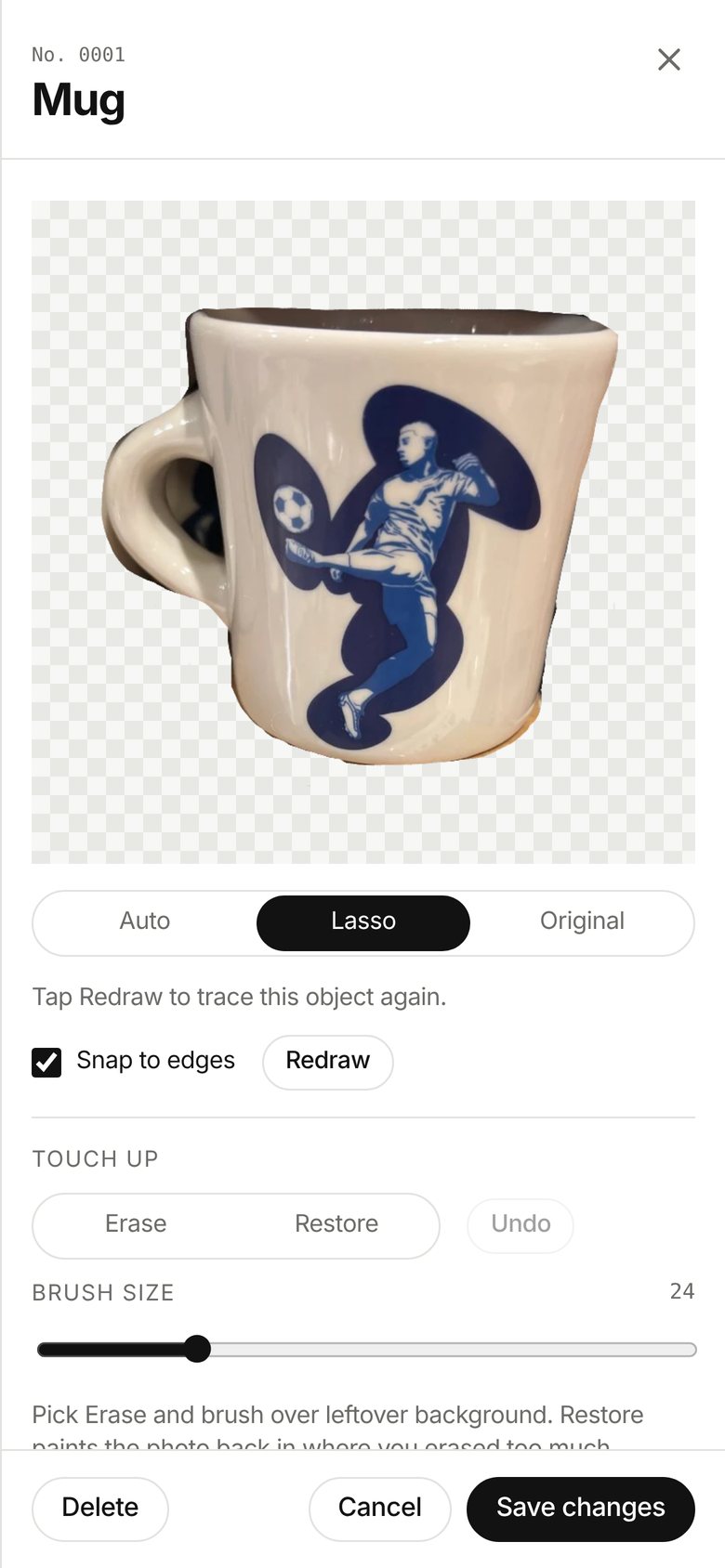
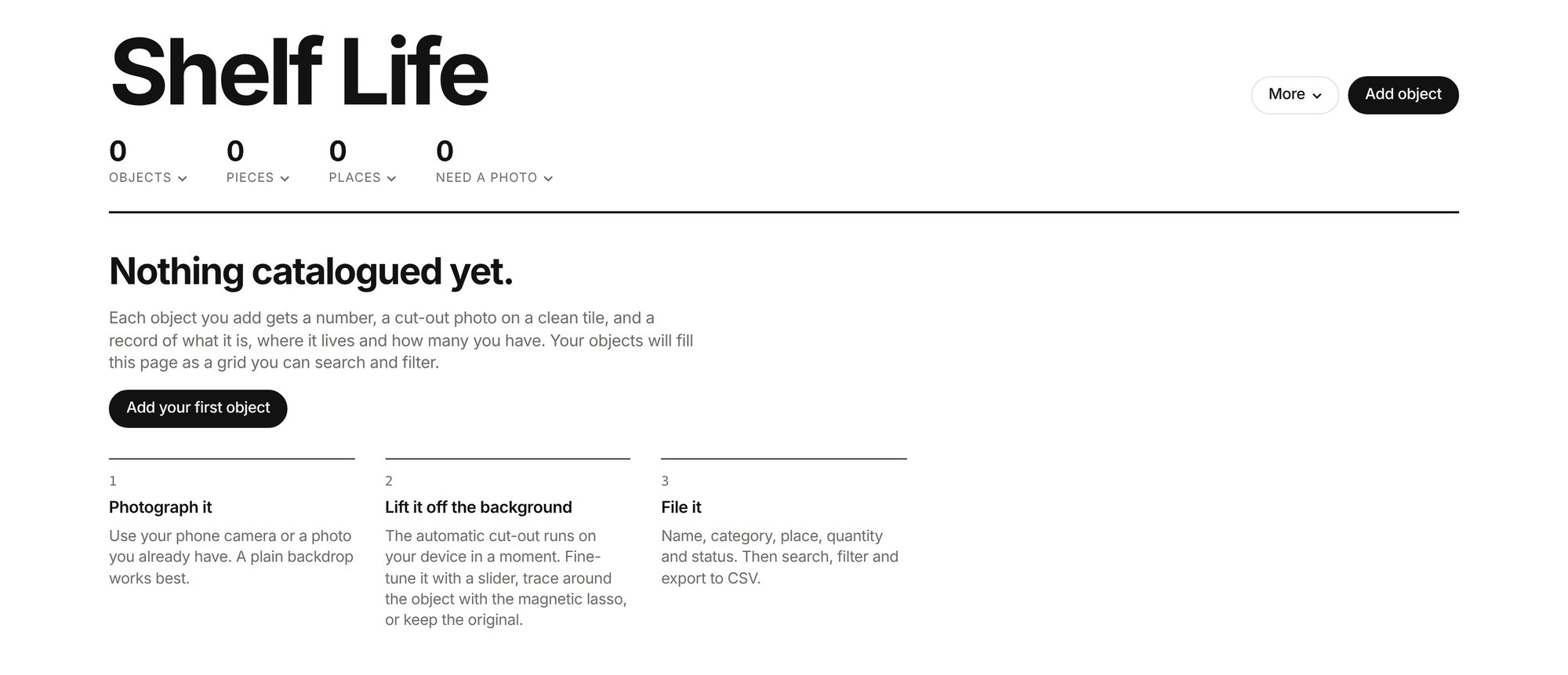
The photo is the heart of every record, so I didn’t want people needing a studio to take one. Shelf Life cuts the object out right on your device. On a plain wall or floor, Auto does it in a moment, and a slider tunes how much of the backdrop it pulls away.
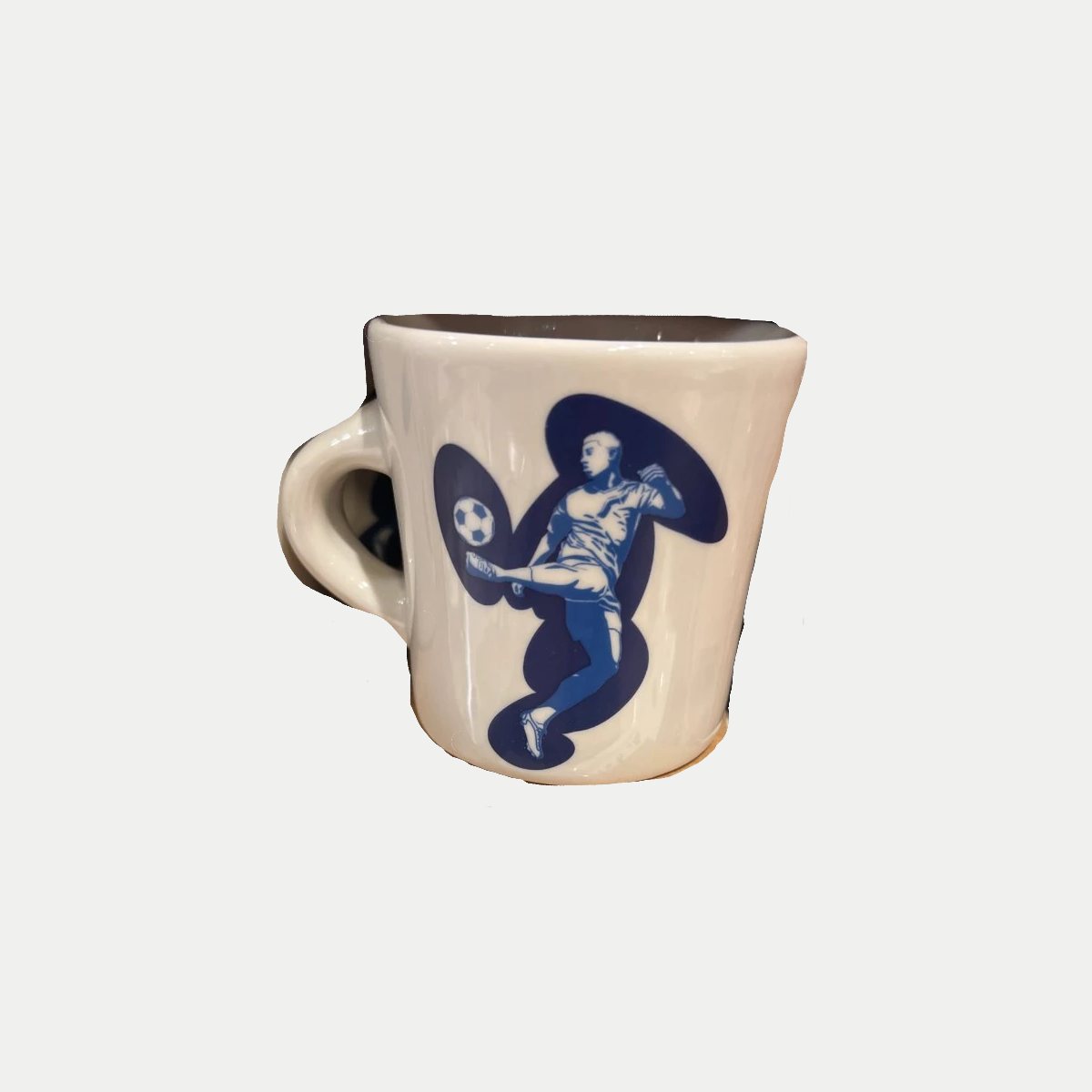
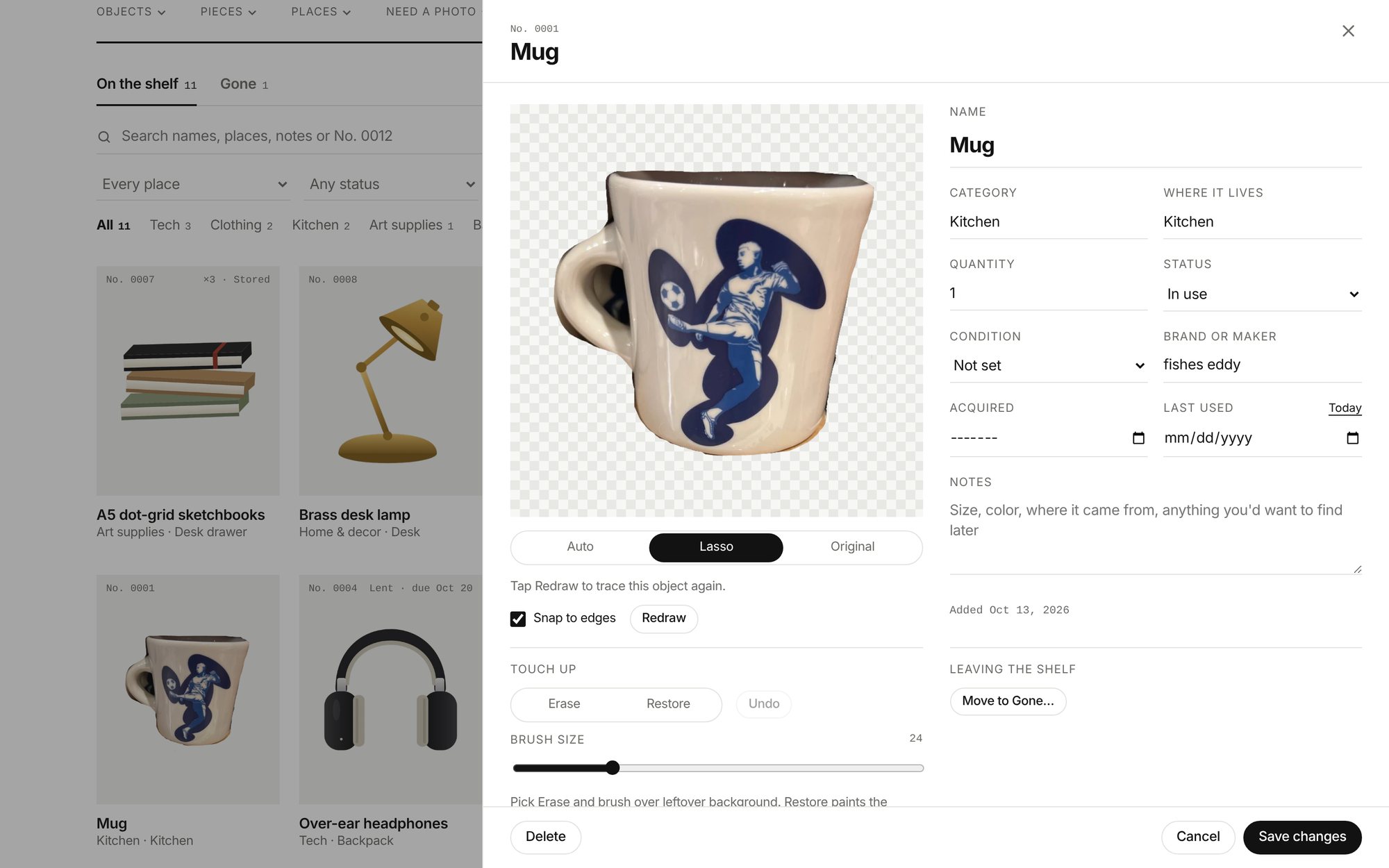
Real life is messier than a plain wall. This mug was photographed on a crowded store shelf, so I traced it with the magnetic lasso, which snaps to edges as you draw. Erase and Restore brushes clean up whatever is left, and Original keeps the photo untouched if you’d rather.

03
Many ways back in
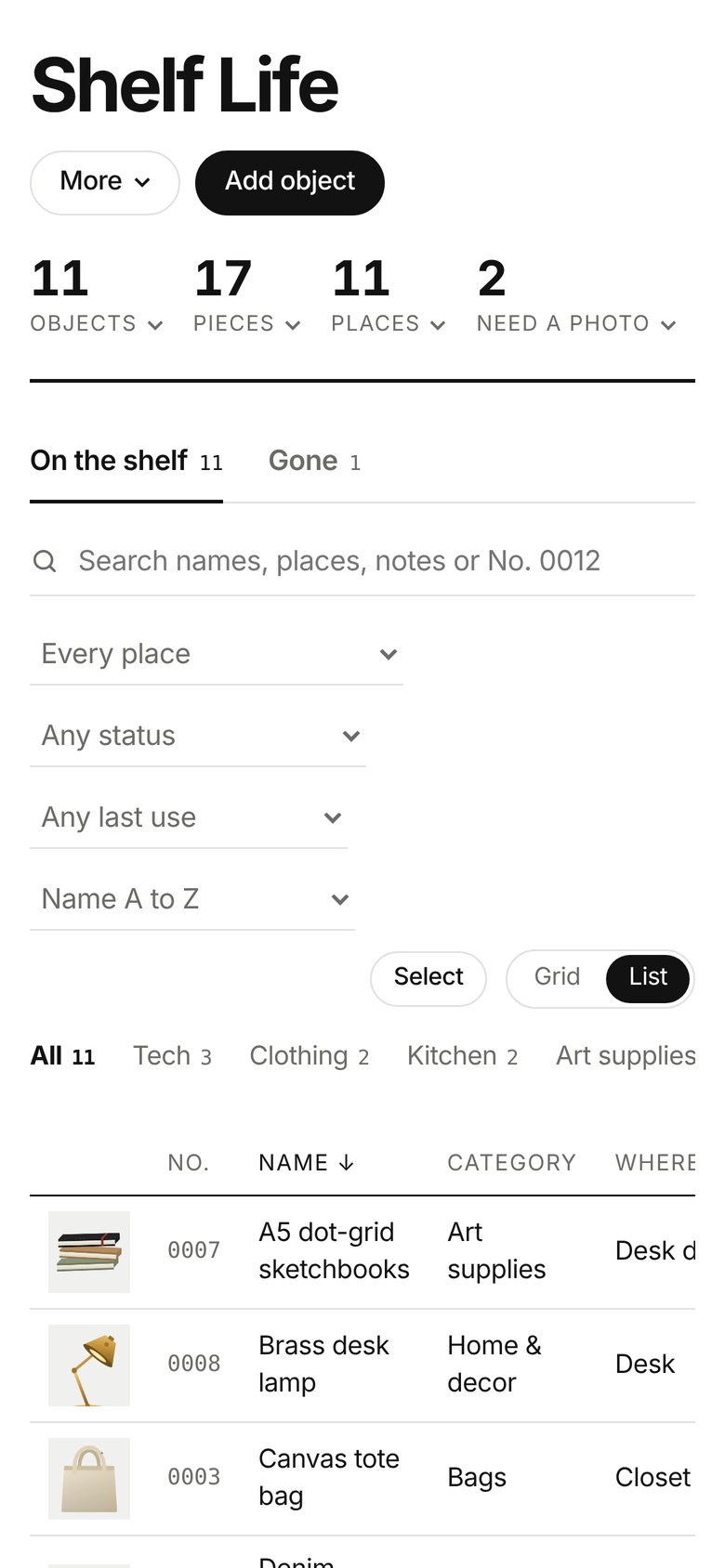
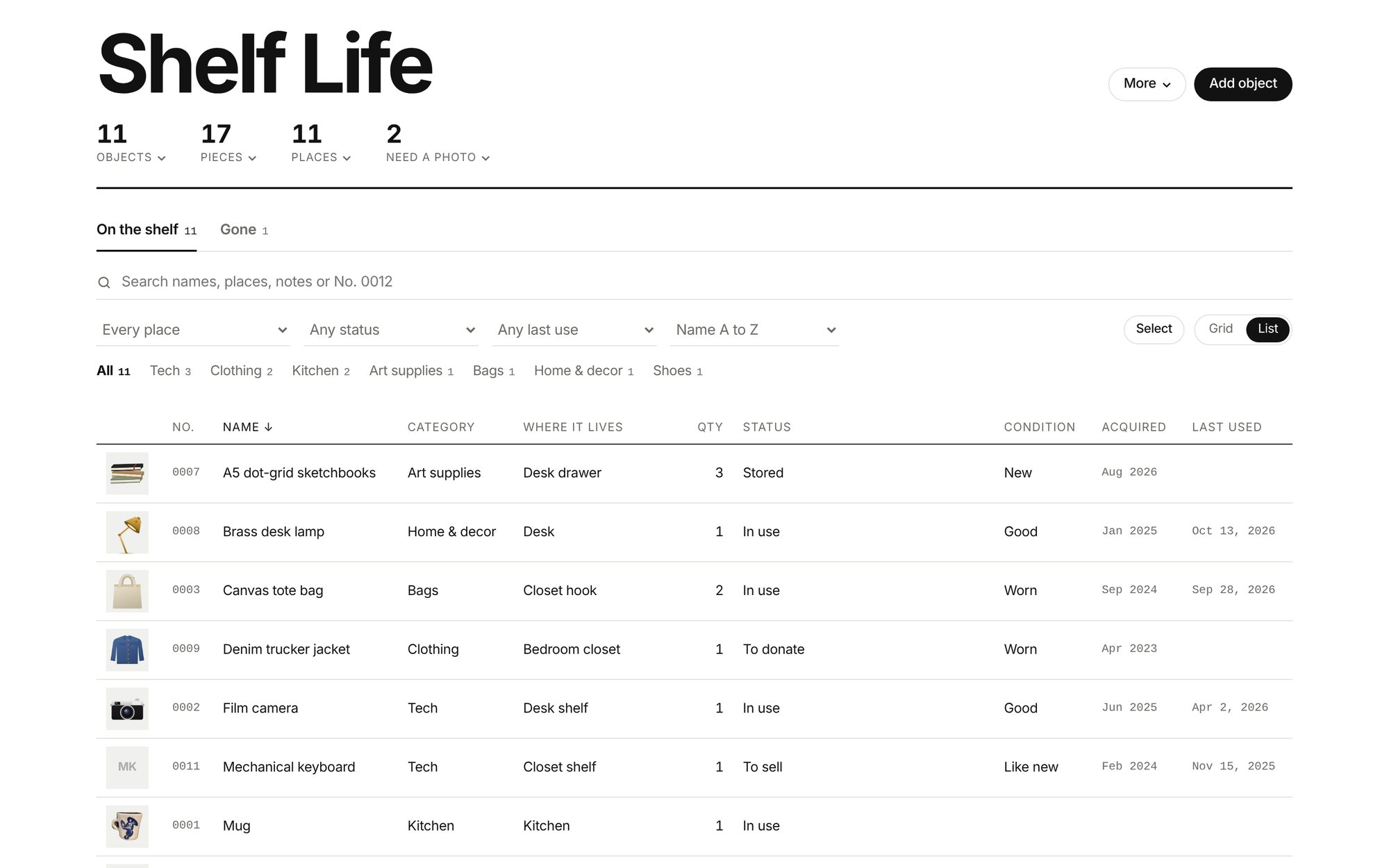
A catalog is only useful if you can find things again. Search covers names, places, notes and numbers. Filters narrow by place, status and when something was last used, and the grid flips into a dense list when you want to scan everything at once.
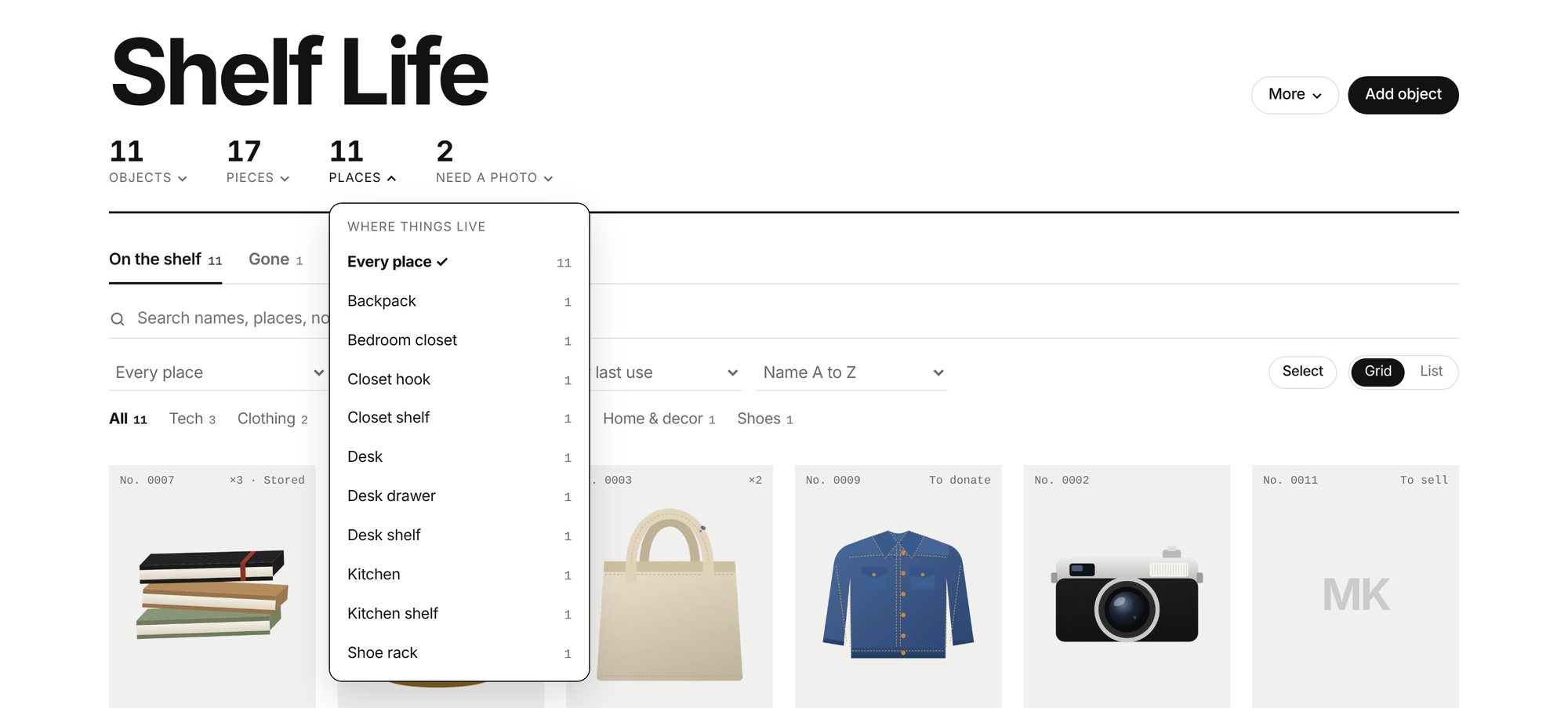
The counts in the masthead are doors, not decoration. Tap Places and you get every spot in your home with how many things live there. Tap Need a photo and the objects still waiting for one rise to the top.
04
Things come and go
Owning things isn’t static, so neither is a record. An object can be in use, stored, lent out with a name and a due date, or set aside to sell or donate. Overdue loans flag themselves on the tile.
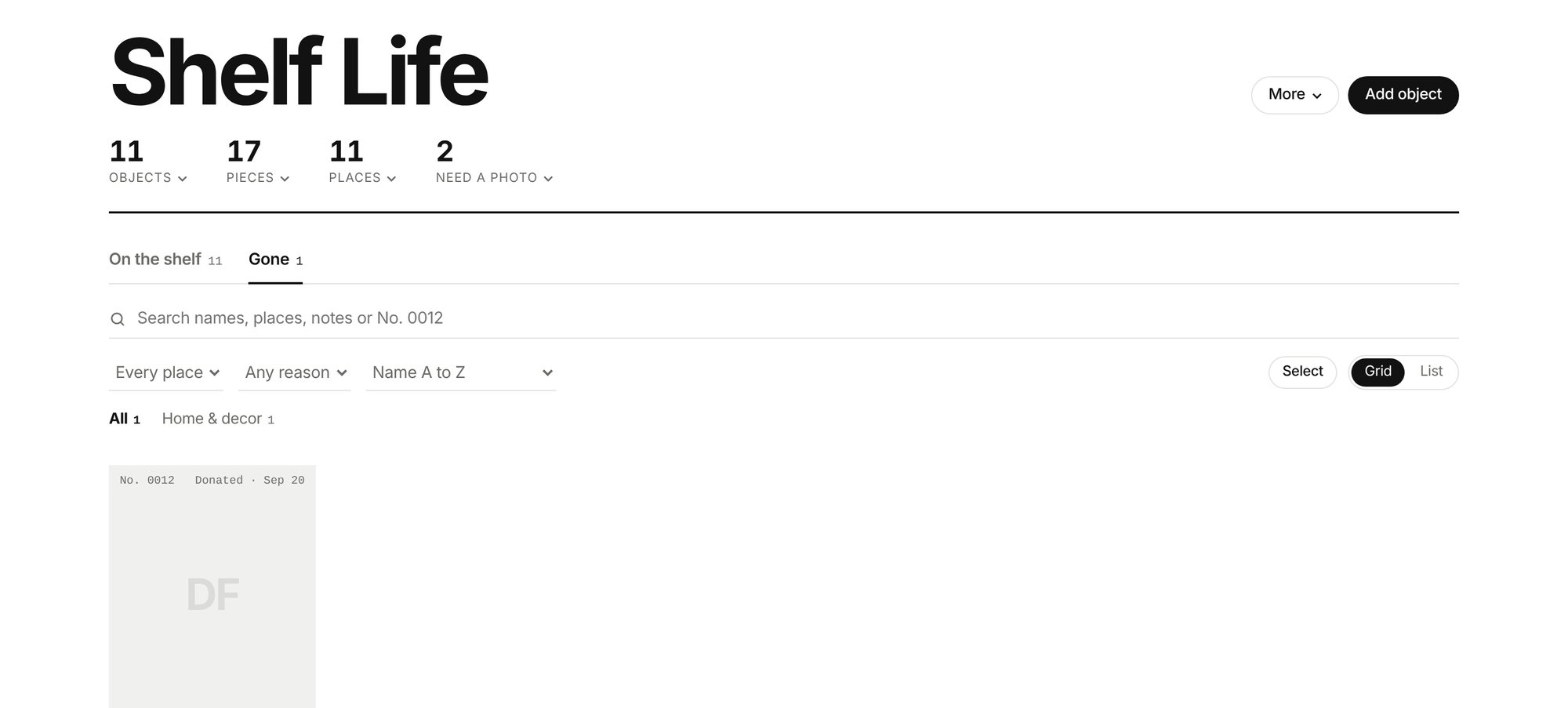
When something leaves, it moves to Gone with what happened and when, instead of being deleted. The “not used in six months” filter is my favorite part: it quietly shows you what you could let go of.
05
Built for the real mess
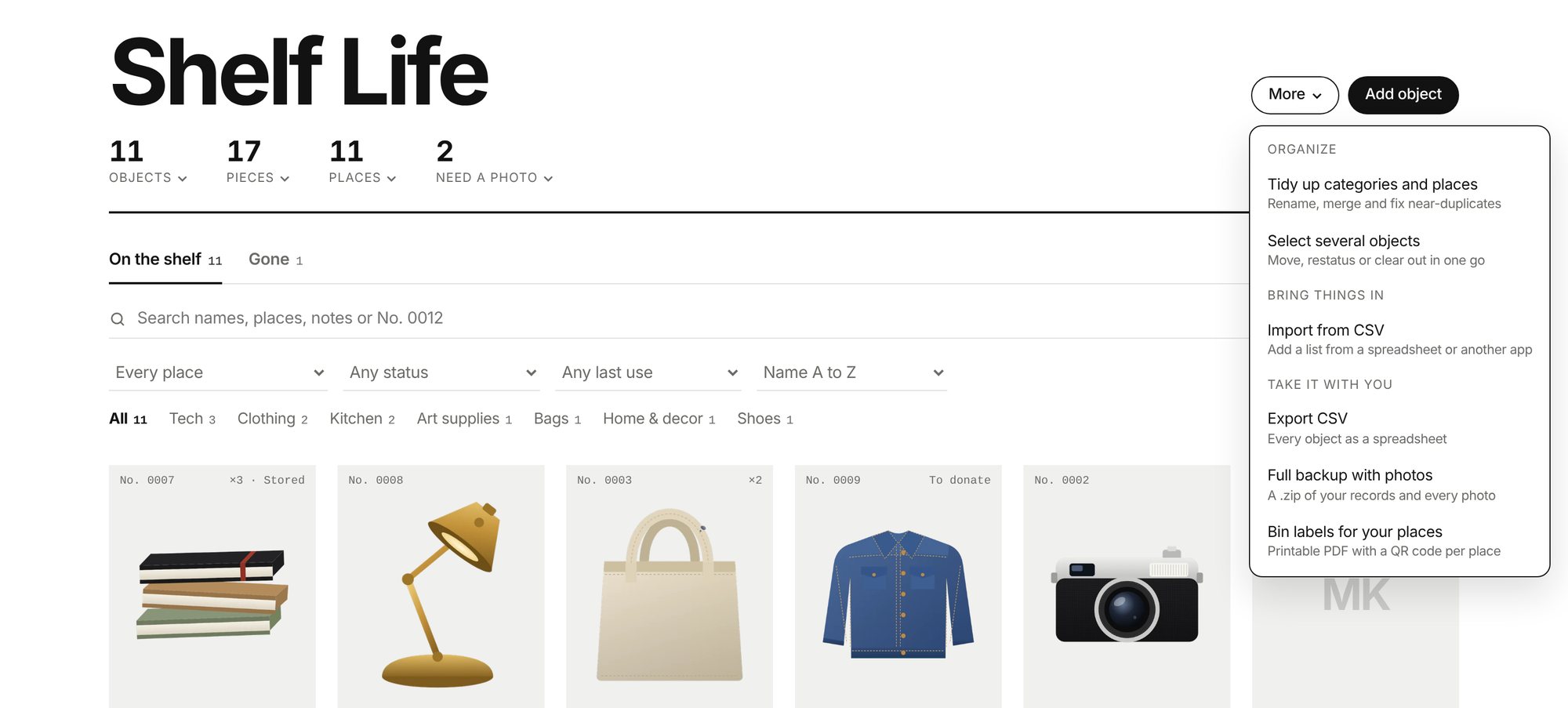
The More menu holds the tools you need once a collection gets big. Tidy up renames and merges near-duplicate categories and places. Select lets you move, restatus or clear out several objects at once. You can import a list from a spreadsheet and export everything back out as a CSV or a full backup with photos.
It also prints bin labels: one per place, with what’s inside and a QR code that opens Shelf Life to just that shelf or drawer.
06
Day, night and pocket
Shelf Life follows your system into dark mode, where the tiles go charcoal and the objects glow a little brighter.
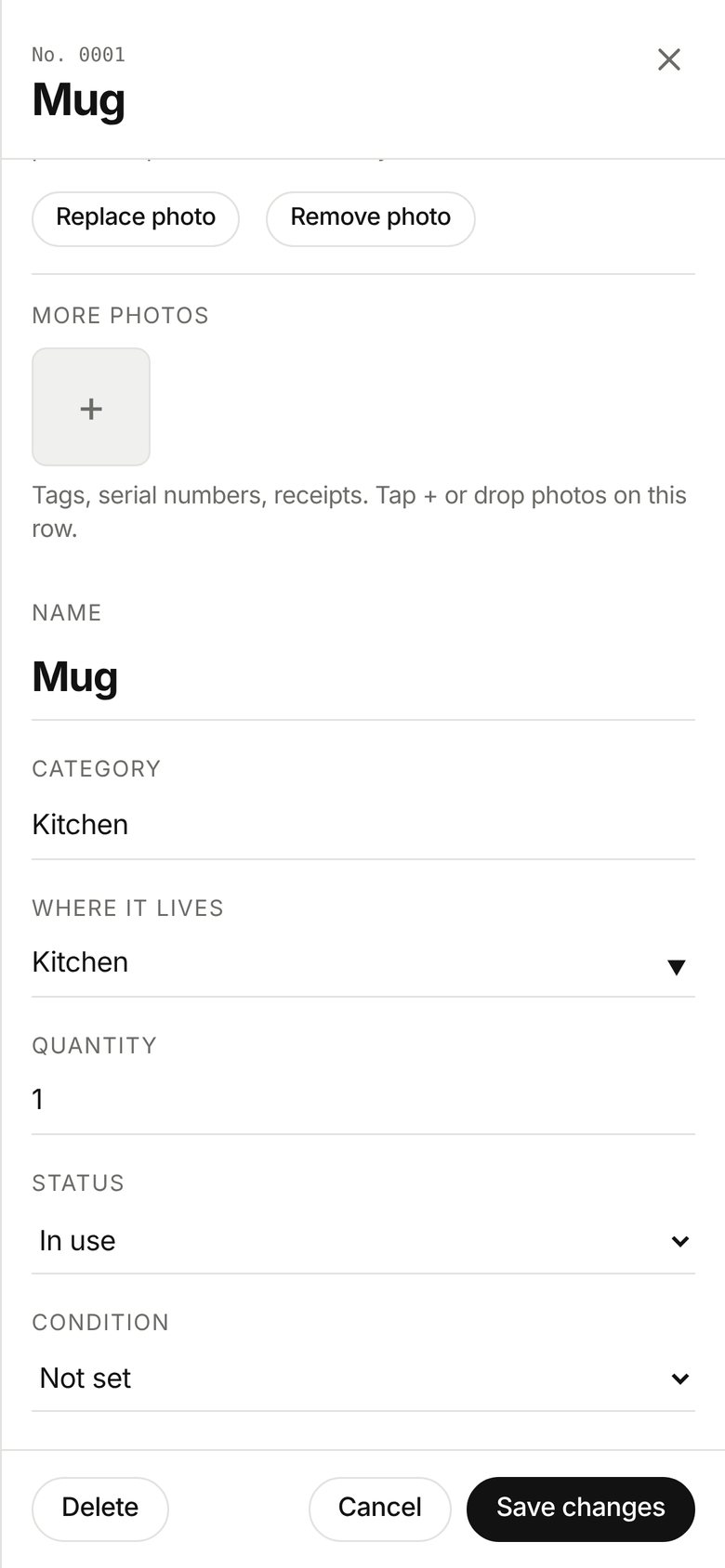
On a phone, Take photo opens the camera directly, the grid settles into two columns, and the edit sheet becomes a full screen you can work through with one thumb.